
JohnEdwa
- 1 Post
- 89 Comments
 2·5 months ago
Agreed :)
And no matter how they do it, it’s clear they need to make changes; “everything is an Xbox controller and now just works” actually was pretty nice solution 20 years ago to fix the complicated mess that was PC gamepads with DirectInput, but it is very much outdated idea today.
Thankfully it appears changes are happening that might solve the issue in the near future, and all we can really do is wait and see.
They could expand the Xbox controller API feature set tomorrow
No, they couldn’t. There’s over 20 years of legacy hardware and software that expects Xinput data to be returned exactly in this format:
typedef struct _XINPUT_GAMEPAD {
  WORD  wButtons;
  BYTE  bLeftTrigger;
  BYTE  bRightTrigger;
  SHORT sThumbLX;
  SHORT sThumbLY;
  SHORT sThumbRX;
  SHORT sThumbRY;
} XINPUT_GAMEPAD, *PXINPUT_GAMEPAD;
Changing any of that would break every single xinput controller and game made in the last 20 years. Modifications require a new API, which is exactly what GameInput is.
Researching this a bit more, there is an answer in the making already - GameInput. How long that will take to take over from every game using xinput is left to be seen.
It’s not possible as xinput doesn’t support gyroscopes, the controller simply doesn’t report that data. The “Switch” mode is setting it to be a mostly standard HID/DirectInput device so that all of those inputs can be accessed, but that requires something (Steam Input) to sit between the controller and the game to map the inputs together, and the game has to also support non-xinput controllers - otherwise you are just mapping them back to xbox inputs. The exception is a game that support directinput… well, directly. Like sim racers etc.
There is now the option of going “hardware” Steam Input as well, as is done by the HORIPAD for Steam, but it is something the controller has to do.
I’m willing to bet that without the Deck, most AAA games would have already jumped to requiring roughly PS5-level PC hardware now that last gen consoles are effectively dead.
UE5 on the Deck might not be pretty, but making it run at all on it lowers the minimum requirements of a game tremendously.
It should be an IRC clone. Having the voice and screen sharing is also kinda nice.
Instead it’s IRC + MSN messenger + Ventrilo + Skype + TeamViewer + MegaShare + Wiki + Game server hosting + Forum and probably a few more I’m forgetting, and adding more half-working bloat all the time.
It’s all about the battery temperature.
Even if you are running the deck with the APU cooking at 80C and fans blasting at full tilt, the battery stays relatively cool. But stuff it in an insulated box and start charging it at 45 watts, and the battery will quickly start heating from the inside over the recommended 30-45C maximum.
3070 Ti is still a surprisingly capable card. If you compare 3060 Ti, 4060 Ti and the 5060 ti to it, they are all really close with the 3070 Ti actually being the fastest. Gone are the days where an xx60 of a new generation was vastly faster than a 70 or even 80 of the previous one.
The major difference is VRAM, 8GB is to little little for 4k gaming, but it’s still perfectly fine at 1080 or 1440p, especially with some FSR/DLSS thrown in.
Sleep mode means ram is being powered, as otherwise it will clear out, and it keeps Bluetooth and WiFi on as well for the wakeup stuff.
There’s a rather complicated tweak for allowing hibernation, that saves stuff to disk and actually shuts the deck off properly.
All hail the Gabecube.
There actually is one under development.
And also one already on steam but it’s from a russian dev team, so…
Valve is paying the tariffs for now, like most businesses do, but as an overall tactic it’s unsustainable for the long run. And half of them aren’t actually in effect yet anyway because trump keeps pushing the dates back.
Apparently they renamed it to “sharp” at some point, probably because “fsr” doesnt mean anything to people who don’t know exactly what it does.
First set scaling mode to “integer”, and change the resolution of the game under 1280x800. If the image shrinks, the game is actually changing the window resolution and not just render resolution. If not, try changing between windowed/fullscreen.
Then change it to auto/fit/stretch/fill, and change “Scaling filter” to sharp, and you have FSR1.
FSR1 is a simple frame upscaler, it’s used as one of the methods for resizing the image when you render something at s lower resolution and stretch it to full screen, along with bilinear and integer. Very few games actually use it directly.
FSR 2/3/4 are temporal (time based), they need to be implemented directly by the game engine but if they do have FSR2, (like Deep Rock Galactic), it works on the deck.
FSR3/4 officially needs an RDNA 3/4 based gpu, which the deck doesn’t have, but the plugin/mod converts DLSS calls in to a RDNA 2 compatible version of FSR3/4.
FSR3 without the frame generation part might also work on the deck natively, though I’m not sure if I’m misremembering.
Official support would require AMD dropping the RDNA 4 gpu core requirement from FSR4, it’s not something Valve can do anything about.
Even if it did happen, there would be quite a small overlap between games that have FSR4 and ones that are able to run on the Deck well enough in the first place.
FSR1: select it in the sidebar as the scaling method, set any game to a resolution smaller than 1280x800. It’s system wide.
FSR2: find a game that supports it natively.
FSR3: find a game that supports it natively, or use decky-framegen decky plugin to change DLSS to FSR3.
FSR4: use decky framegen to change DLSS to RDNA2 compatible FSR4.
 1·10 months ago
They give up to 10 days visa free from some countries you otherwise need a visa to enter in the first place. In guessing that if you can’t show proof you are continuing to somewhere else - like a connecting flight - you aren’t getting in at all.
But it has only one official language, which is English, so calling it something else would also be a stretch.
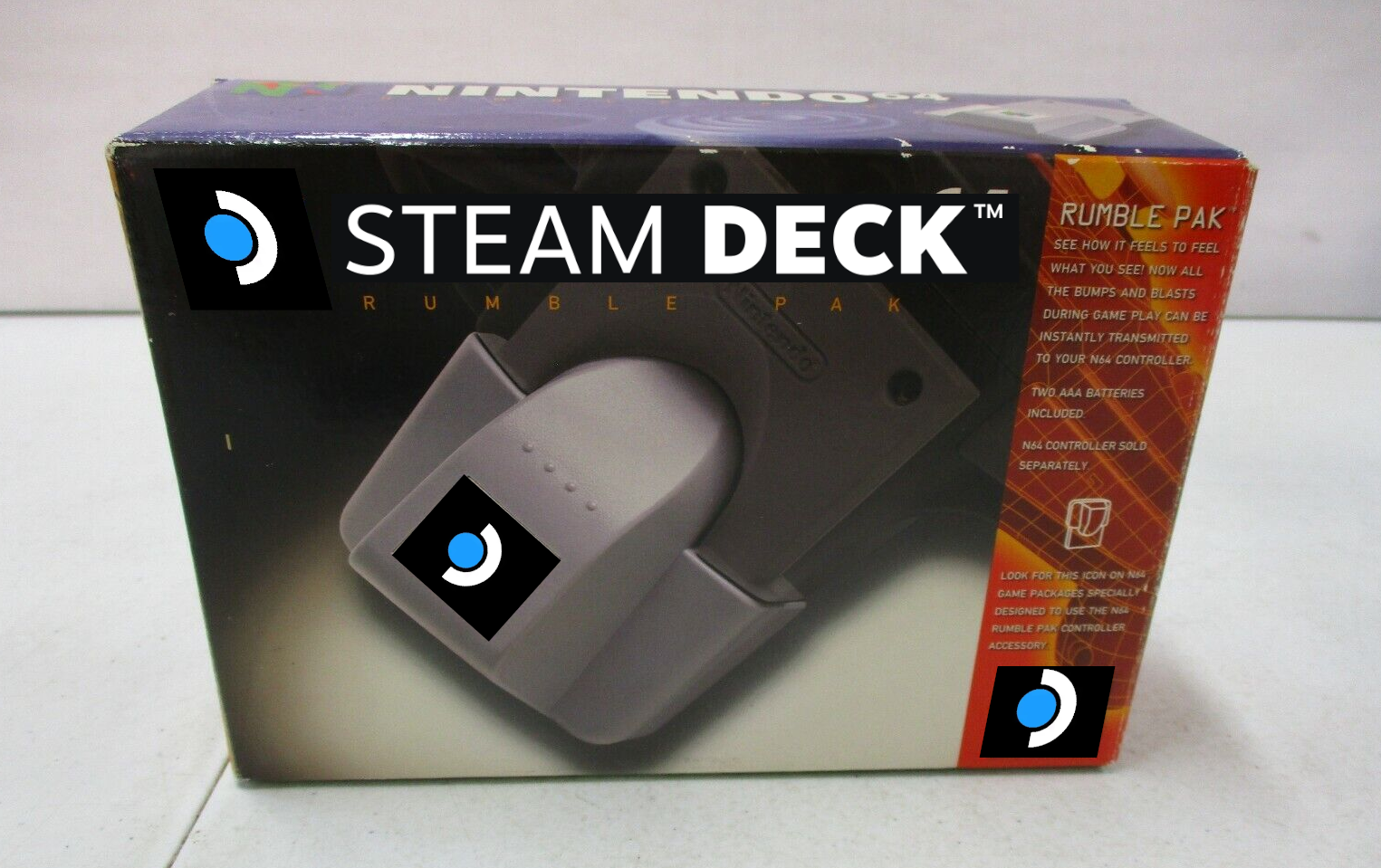
It is if you compare it to a regular controller, but from what it offers - touchpads, back buttons, hall effect sticks, gyro, full remappability etc - it’s more comparable to something like the PS5 Edge and those are almost twice the cost.