

2·
17 days agoThank you for pointing out the specific file, that was helpful confirmation but I do not seem to be able to run it either by running it in the command line or by changing its properties to be able to be executed as a program.
“No, maybe that wasn’t it. Words precede and surpass me, they tempt and alter me, and if I am not careful it will be too late: things will be said without my having said them. Or, at the very least, that wasn’t the only thing. My entanglement comes from how a carpet is made of so many threads that I can’t resign myself to following just one; my ensnarement comes from how one story is made of many stories. And I can’t even tell them all— a more truthful word could from echo to echo cause my highest glaciers to crumble down the precipice.” - Clarice Lispector
Thank you for pointing out the specific file, that was helpful confirmation but I do not seem to be able to run it either by running it in the command line or by changing its properties to be able to be executed as a program.
Will disabling the read only system access mess up updates on my Steam Deck?
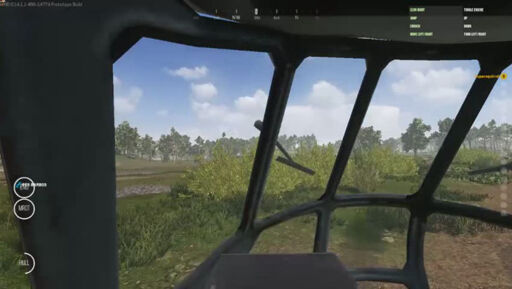
I fly helicopters and airplanes in battlefield type games on multiplayer servers on my steam deck framelocked at 40 fps and do fine, I play shooters all the time at that framerate. I think if you get used to a higher framerate your brain just must lose the capability to fill in the blanks or something, it really doesnt bother me too much.
My brain sees it like distortion in a quadcopter fpv goggle feed or something lol. The issue is really rapidly changing framerate, the acceleration and deceleration is disorienting.
I remember seeing someone play a Steam Deck in an airport awhile ago and the 3D game had a HORRIBLE frame rate.
To the person playing to their credit they didn’t seem bothered but I couldn’t look away for a couple of seconds it was so shockingly bad. It made me think that a lot of people may have not really had the importance of framerate explained to them and what the relevant numbers are (film is 25, 30 is generally minimum for games and 60 is best).
Almost by definition we aren’t going to know those people but that is because if you are here you are probably a nerd, so this is good for all those blindspots. No one deserves a poor framerate if they don’t have to, unless you are Mitch McConnell.

Fascism and good food go together like chainsaws and old growth forests.
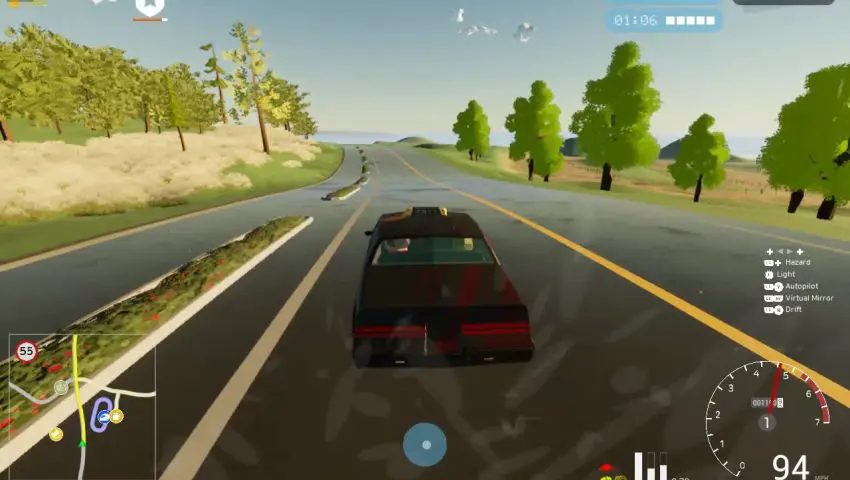
Operation Harsh Doorstop, Easy Red 2 and I have been exploring Rigs Of Rods a bit, I think it is an underrated driving game well suited to the deck but it has lots of quirks and I am gonna do a more indepth post on it when I get all my recommendations for fun starter vehicles and levels together.
ughh imagine a Riders Republic without Ubisoft and with mod support?
Same with Ghost Recon Wildlands and Breakpoint…
Ubisoft: we make your favorite video games less appealing
Long live the Logitech K780!!!

Hmmm could you download to desktop pc and set up a Syncthing share to your Steam Deck? Synthing will sync directly over a local network when possible so it shouldn’t be too slow.
I meant as a new complimentary community not a replacement!
Yes I think so, though I think a seperate Linux Handhelds community would be cool to provide an encompassing place for devices like the Steam Deck/other types of linux handhelds.
Yeah with a toggle to turn it off briefly when I need to.
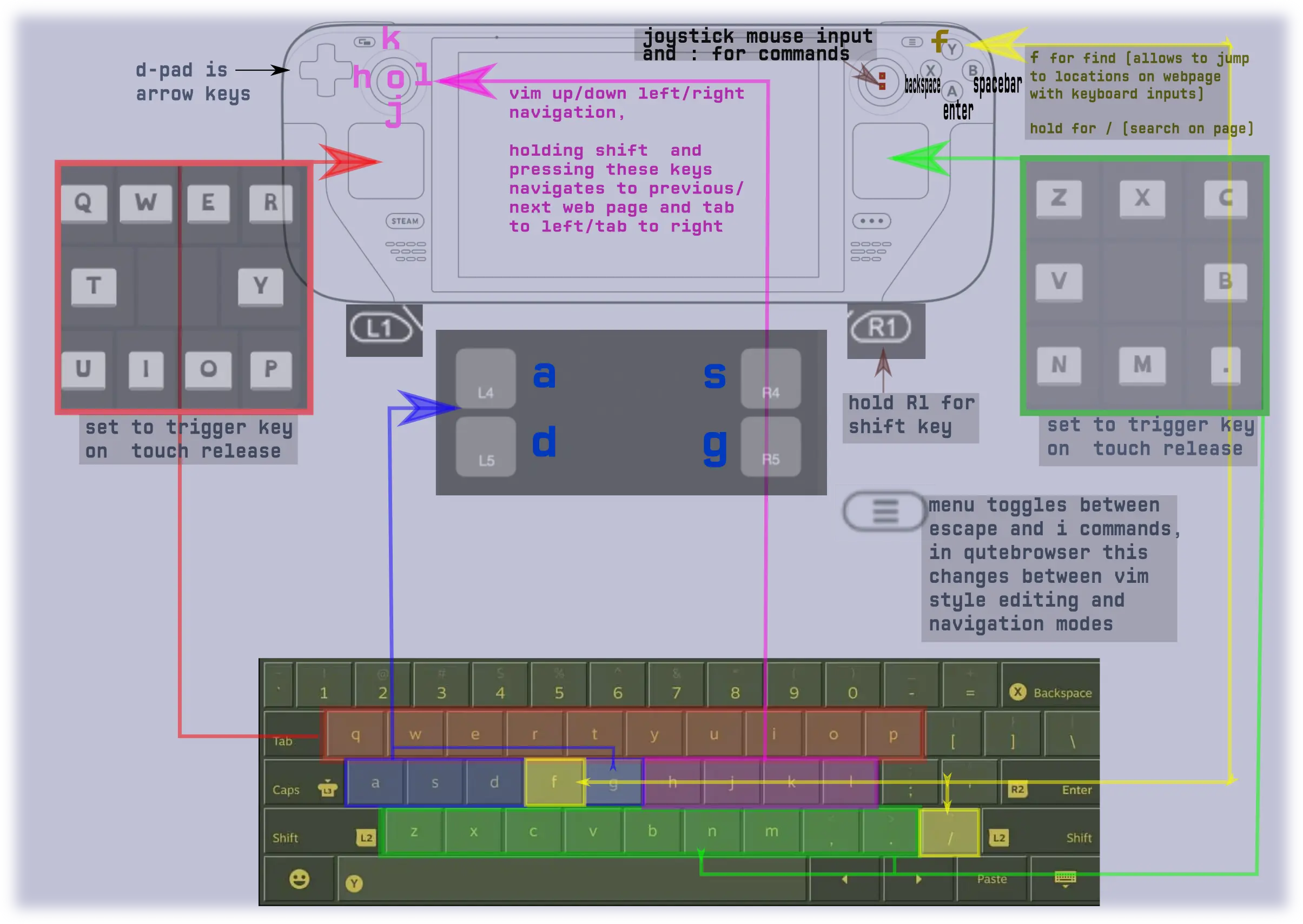
left joystick - movement
right joystick - broad aim adjustment
gyro - fine aim adjustment (toggleable off for menus and stuff)
No I only use the gyro for aim, movement is just the left joystick like normal controller style FPS controls!
Probably not, but it might be suprisingly economical given you are making a product that simultaneously targets two niche ends of two markets at once (people who have larger hands and use touchpads and people who have smaller hands and use joysticks) and compliments the new steam controller perfectly as a sort of mirror image.
I am sure it would be more costly than just sticking to one controller design, but you wouldn’t presumably have to change thatttt much about the controller production. It wouldn’t really change keybinding stuff either just you would have to change the steam ui to reflect the changed position of the joysticks and touchpads.
I think the easy solution here is release an identical controller except switch the location of the touchpad and joysticks. I think this would also be good for people with all different kinds of hand shapes as someone who likes joysticks but has small hands might prefer the same controller as someone who has large hands and prefers touchpads and equal and opposite for the other version.
Idk it is a weird idea I guess but I think it makes a lot of sense if you think about it.
It is very effective for me, I can play multiplayer fps games against mouse and keyboard players fine and honestly I enjoy it more than mouse and keyboard, probably because I grew up playing xbox/consoles (not that I find it difficult to use a mouse and keyboard, just not as fun) but also because it just feels like I am aiming so snap shots and such are wayyyy more satisfying to me than if I just moved a mouse to click on them.
In practice it isn’t necessarily easy to tell I am using gyro except for when I do brief quick reaction shots just relying on gyro for aim, the rest of the time I don’t ever think about using the gyro consciously, I just use the joysticks for rough aim and let my brain figure the rest out with the gyro. Recoil in FPS games is also way more fun to control with gyro, it is a more direct control relationship rather than dragging a mouse down a mousepad, at least for me.
I don’t move the Steam Deck much though, it isn’t like I am getting a work out whipping the Steam Deck around, the gyro is really just there to lock in broad joystick movements to be accurate and on target consistently thus avoiding the small aim adjustment problem that joystick deadzones create. Also once I got used to it, my brain automatically cancels unintended gyro movements with joystick movements and thus I don’t have to hold the Steam Deck totally still in order not to have my aim utterly thrown off from a normal amount of arm shake/movement.
I play shooters and rts games with a gyro toggle, and I only toggle gyro off when I am putting my steam deck down or some other random thing. To each their own!









This was the issue, I am fairly comfortable with the command line there are just lots of little things that were never explained to me because I have learned it all myself.
I appreciate the recommendation for a front end engine! I want pandoc for exporting org files to document/website formats from org mode in emacs so I don’t need a front end but I will definitely check it out!
I actually think I still need to add pandoc to the $PATH directory so emacs can run it though.